Follow a breathing guide.
Choose how long to breathe in and out, without holding your breath. Keep the circle still if you prefer.
 Fog Mode
Try the page tools
Fog Mode
Try the page tools
Declutter articles, mark where you’re reading with a red guide and let the page scroll at your pace. Play background sound, take screen breaks and save where you left off.
Try the tools belowChoose Declutter or Red guide to change the sample.
Declutter articles
Open a supported article in a clean view. Keep its text, headings and links. Return to the original page whenever you want.
Interactive sample. Choose a tool to see it work.
Keep the lines you’re reading inside the red guide and dim the rest of the page. Adjust the guide’s height to show more or fewer lines. Move the guide with your pointer, lock it in place, or use Alt and the arrow keys.
Adjust text size and add space between words, lines and paragraphs.
Reduce animations and transitions on the page, such as fading and sliding effects. Videos and some other movement can continue.
Clean article view leaves out images and other media built into the page. It works on pages with a main article of at least two paragraphs.
Choose a speed for a webpage or feed. Scroll manually to pause it. Inside clean article view, choose a separate reading pace.
Scrolling stays inside this example.
Background sound
Play brown, pink or white noise, binaural beats or a plain tone. Set the volume and choose when the sound stops. In Fog Mode, sound keeps playing when you close the controls.
Listen to a sample here. Nothing plays until you press Play.
Use stereo headphones for binaural beats.
30-second sample
Generated on this device
Uses Fog Mode’s sound generator. The extension offers longer auto-stop choices.
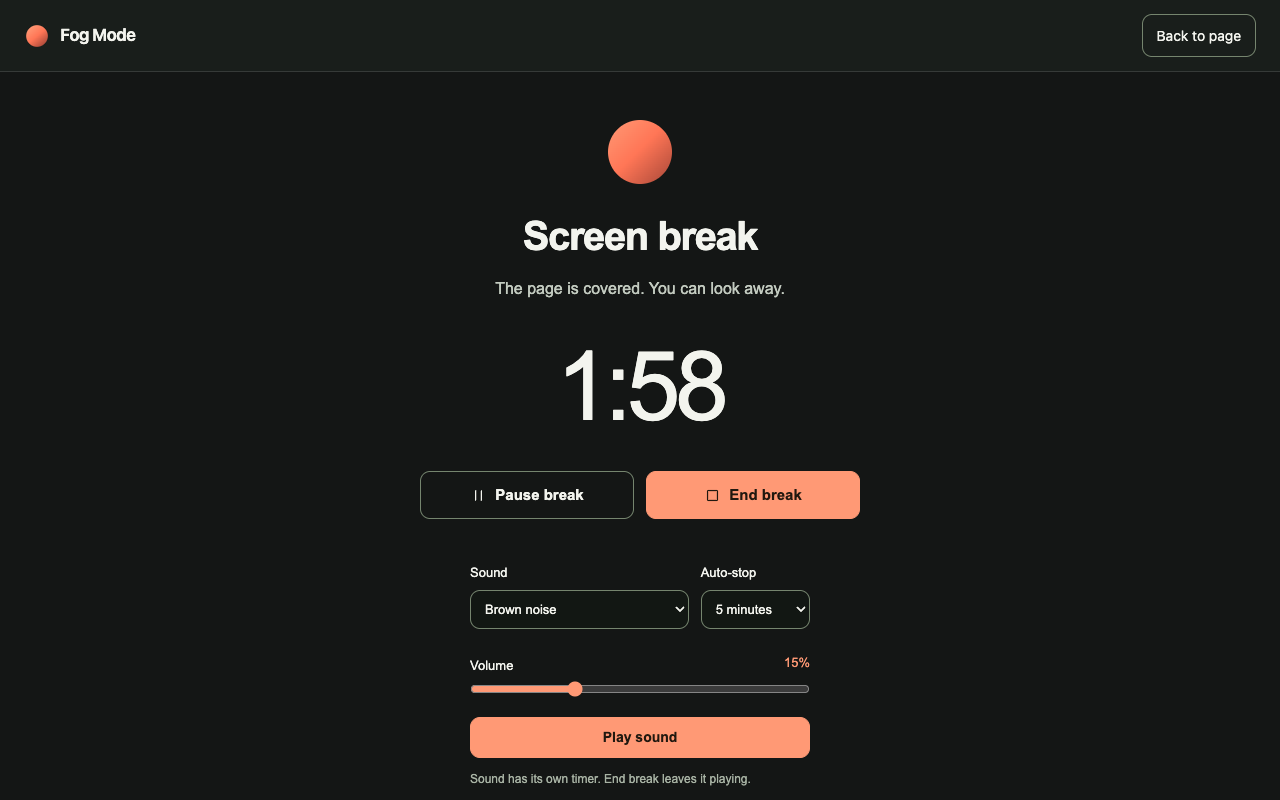
Choose one, two, five or ten minutes. Fog Mode covers the webpage with a break screen. Pause it, end it or return whenever you choose.
Keep a short note beside the page. Save the reading position so you can return to the paragraph you left.
This example only saves your place temporarily. In the extension, you choose what to save in Remember. If you’re at a different web address when you press Return, a new tab opens. Reopen Fog Mode there and press Return again.
Press Save this place, move down, then press Return.
Reading settings
Choose Browse or Read, or adjust the text, spacing, guide and motion settings yourself. Save those settings as My setup to use them again.
Keep the original text size and spacing. Reduce page animations.
Increase text size and spacing. Turn on the guide and reduce page animations.
Save your text size, spacing, guide and motion settings.
Apply reading settings automatically on websites you allow. Exclude websites where you don’t want page tools.
Close the controls to keep browsing with your tools. Use Stop all to end the active tools. Your saved notes and preferences stay.
This button stops the samples on this page.
Fog Mode stores notes, preferences and session history locally in your browser profile. You don’t need a Fog Mode account.
Export a backup, import it later or delete your saved data. There’s no cloud sync.
Read about your dataOpen a section for settings, shortcuts and saved-data controls.
Fog Mode is currently built for desktop Chrome, version 120 and later. These examples work on a phone-sized page, but they aren’t a mobile extension.
Browser details ↗No. Clean article view opens the main article on a page. It doesn’t remove ads, sidebars or recommendations from every site. Fog Mode’s other tools change text size and spacing, add the red reading guide and reduce page animations. Fog Mode can’t run on browser settings pages or the Chrome Web Store. Some tools can’t change PDFs, pages shown inside other pages, or apps that draw text instead of using webpage text.
No. Closing the controls lets you browse with the tools still running. Stop all ends active effects, scrolling, sound and sessions, switches off reminders and the reading settings that apply automatically, and hides attached notes. Saved notes and preferences remain.
Not yet. The Install page will show the Chrome Web Store link once Google approves Fog Mode. The current tools will be free.
Free tools for desktop Chrome.
Installation link pending release.